The Microsoft PowerToys team is exploring the possibility of implementing a new menu bar at the top of the screen in Windows 11, much like the implementation in Linux, macOS, and older versions of Windows. The new feature, dubbed Command Palette Dock , is designed to provide quick access to various tools, system resource monitoring, and much more.
UI samples have also been published, providing a glimpse into what the developers are actually planning. Here are some.
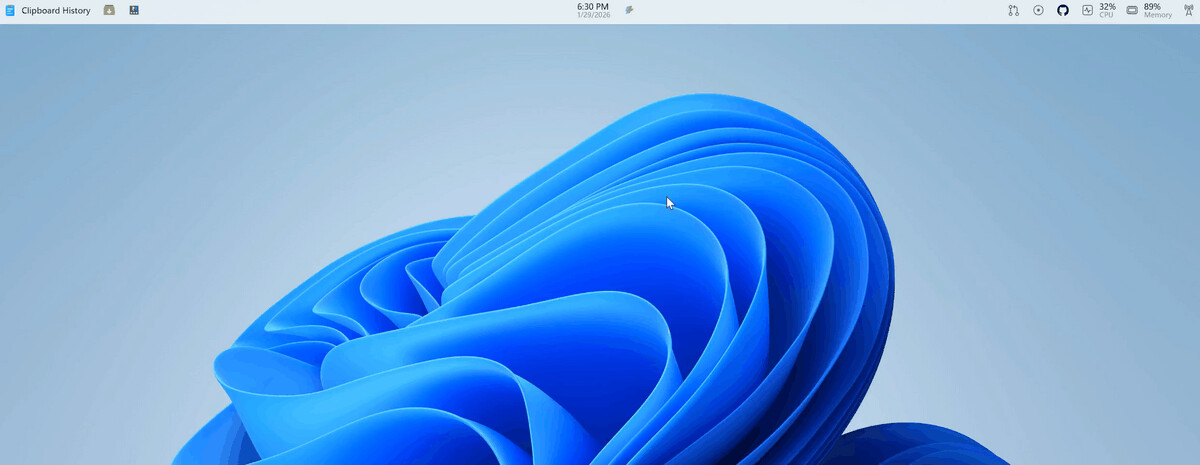
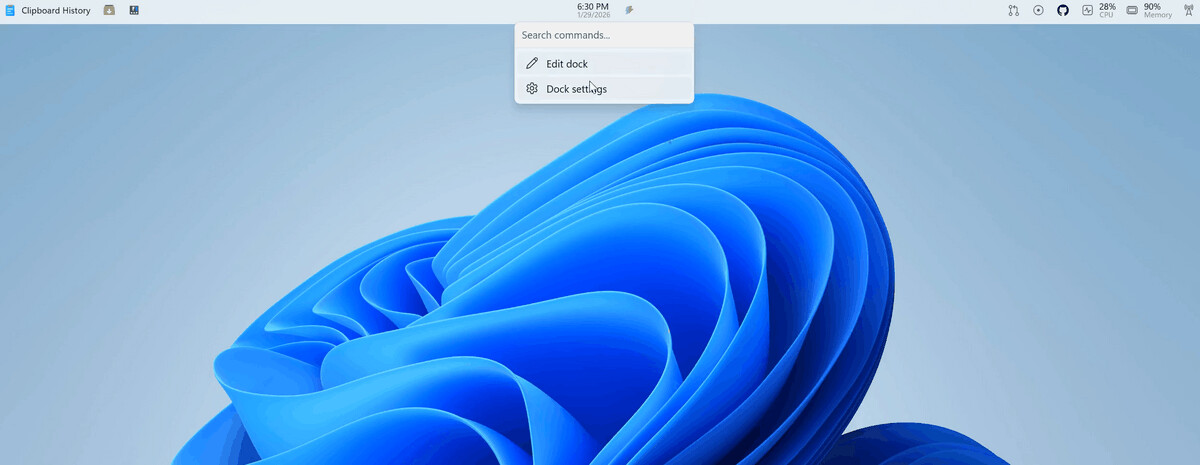
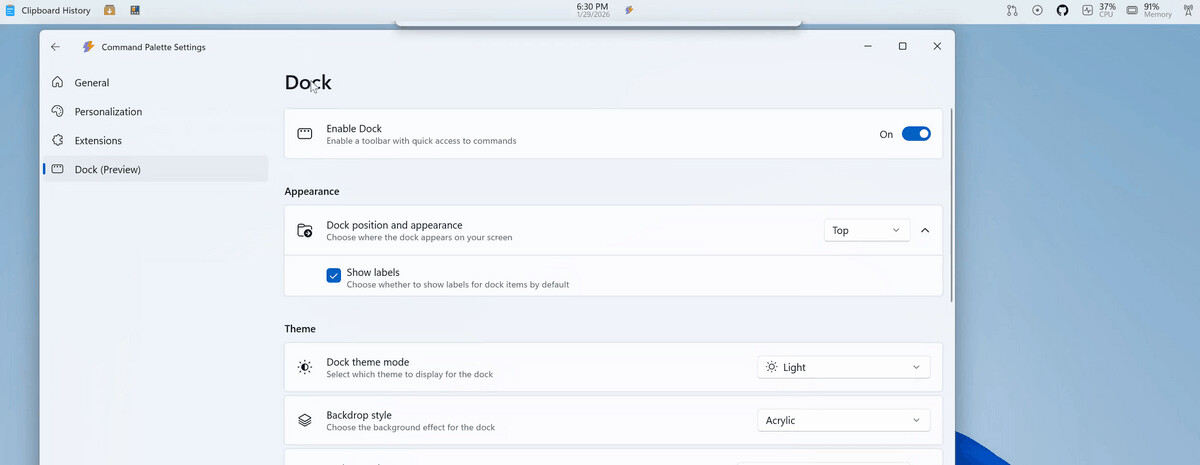
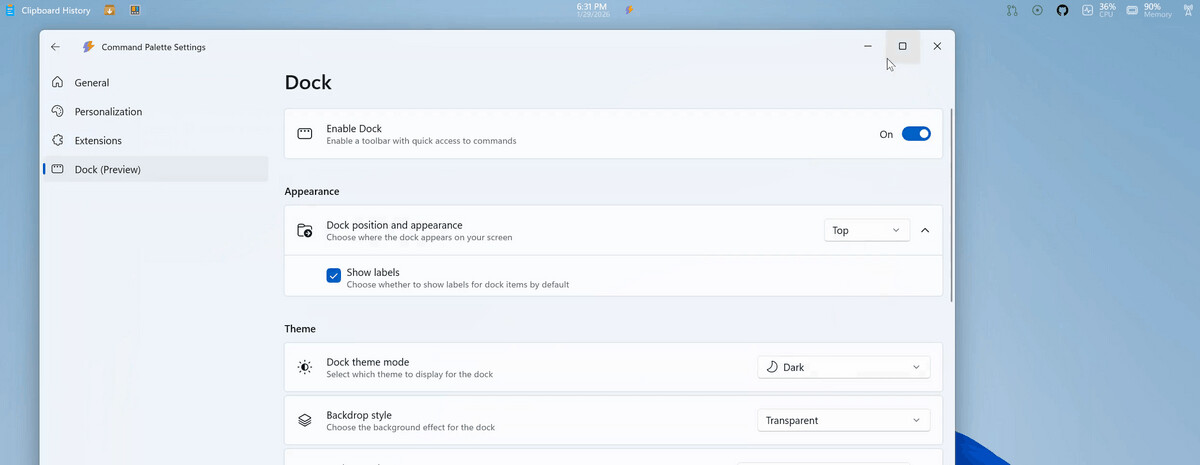
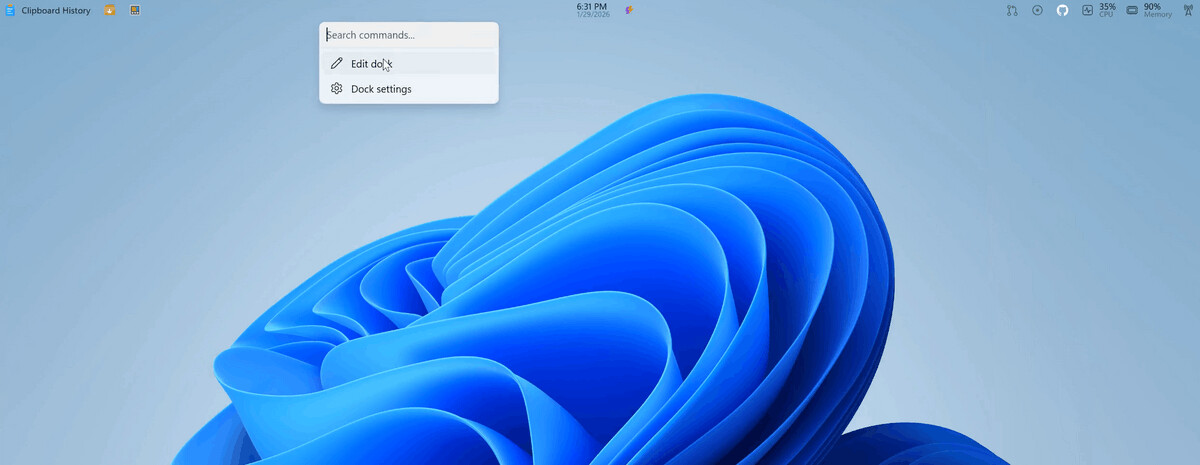
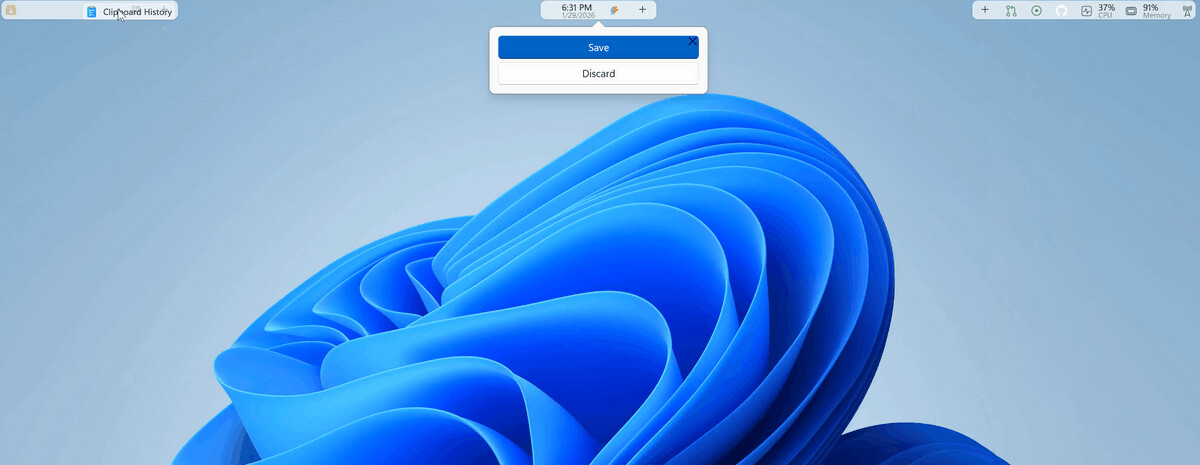
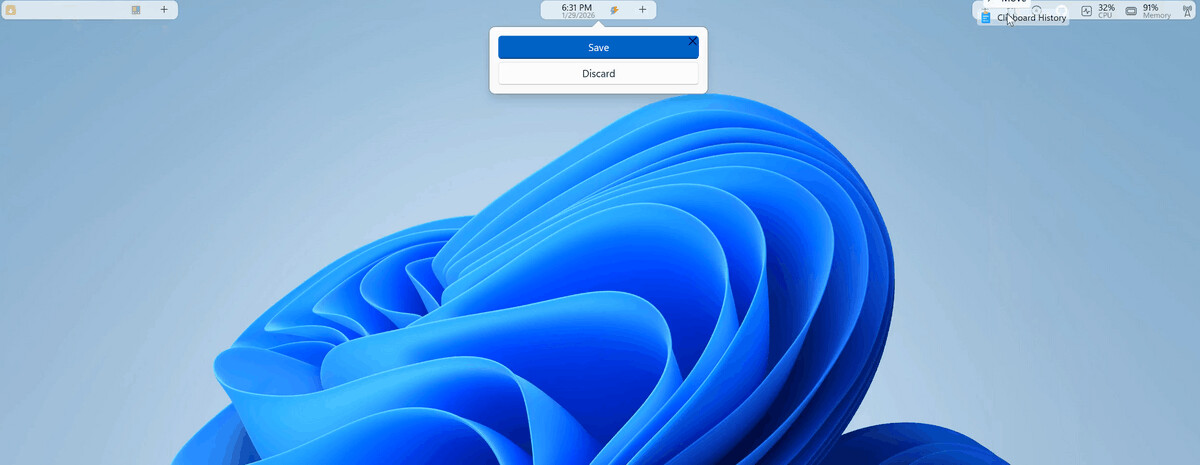
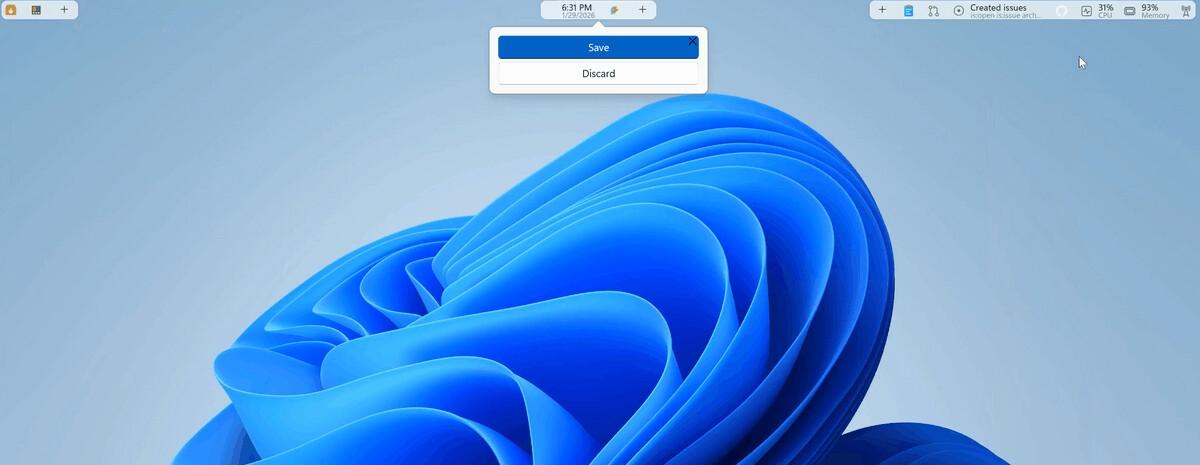
According to Niels Laute, Senior Product Manager at Microsoft, the Dock is designed to be easily customizable. It can be positioned at the top, left, right, or bottom of the screen, and extensions can be docked to three separate areas of the Dock: at the top, center, and bottom.
Command Palette Dock is expected to feature extensive customization options: users will be able to change the background, style, and overall theme. Extensions will also be able to be freely moved and pinned to different areas of the panel.
Developers can already test an early version of Command Palette Dock by importing the project from the PowerToys repository on GitHub into Visual Studio .
Support us
Winaero greatly relies on your support. You can help the site keep bringing you interesting and useful content and software by using these options:

