Microsoft will introduce a new default background image for authentication screens used by both personal accounts and Microsoft Entra work or school accounts. The rollout begins in August 2025 for personal accounts and extends to Microsoft Entra accounts starting September 29, 2025.
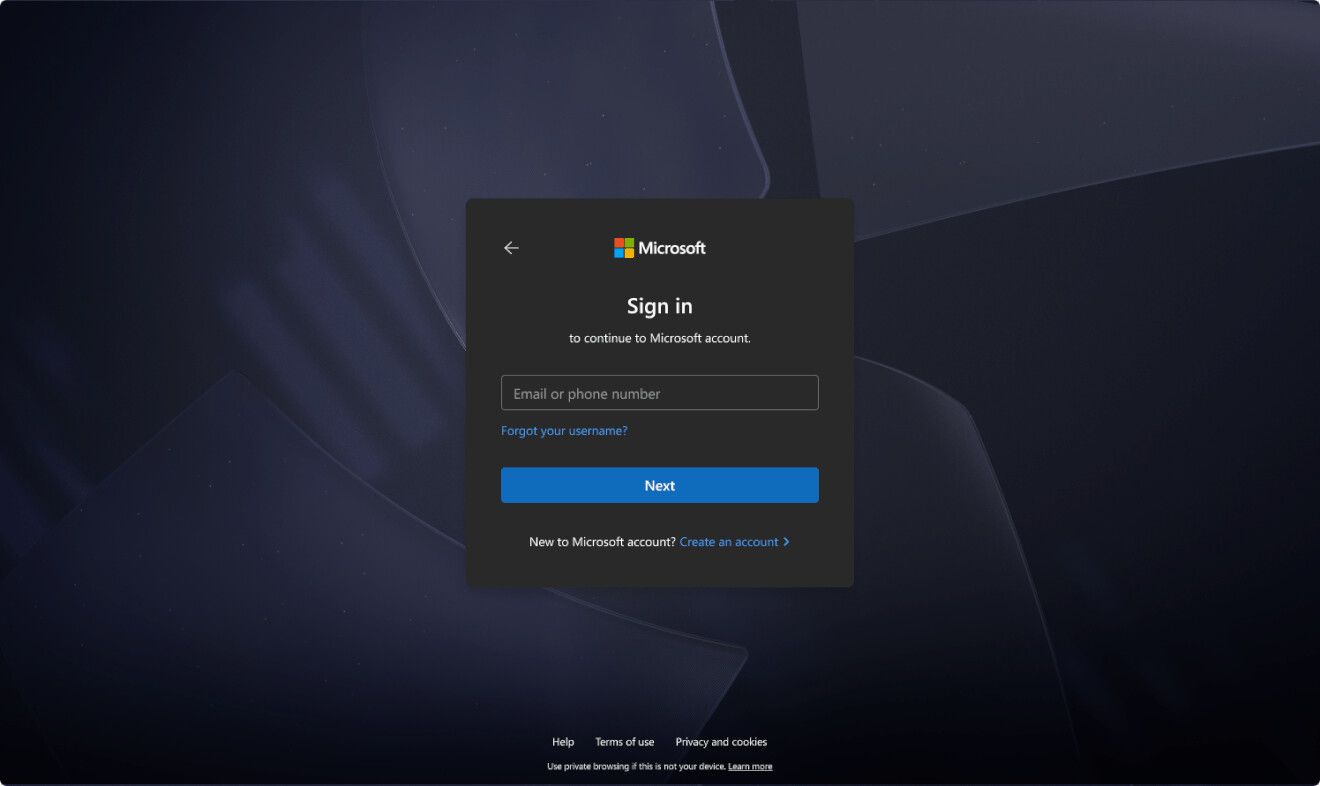
This visual update aligns with Microsoft’s Fluent design principles. It supports a consistent, modern appearance across sign-in experiences. The change applies automatically. Users and administrators do not need to take any action. Custom branding in Microsoft Entra tenants will continue to override the default background. Microsoft Entra External ID tenants will not receive this update.
The new background will appear on authentication pages for services such as entra.microsoft.com and portal.azure.com. It will also display within sign-in screens of various Microsoft applications.
Dark mode for Personal Accounts
Personal Microsoft account users will gain access to a full dark mode experience shortly after the initial rollout, depending on device and browser configurations.
The dark theme of the authorization screen will be enabled depending on which theme the device or browser settings are set to, the company says.
Support us
Winaero greatly relies on your support. You can help the site keep bringing you interesting and useful content and software by using these options:


Do you know where we can get that background image / wallpaper used in that example picture?
I need to look at the sign in screen to find it.
This has already been implemented and has rendered the option to use your own image in the login screen within Winaero redundant. I have changed all the standard images found in C:\Windows\Web to stop Windows from using its dark blue graphic but it still does. If you cannot solve this issue, it would be nice if you could at least specify where the image Windows is using has been hidden, please.