The Just the Browser project is a new script that configures popular web browsers by disabling features unrelated to core web navigation. The project provides configuration options for Google Chrome, Microsoft Edge, and Mozilla Firefox, targeting functionalities that often disrupt user experience.
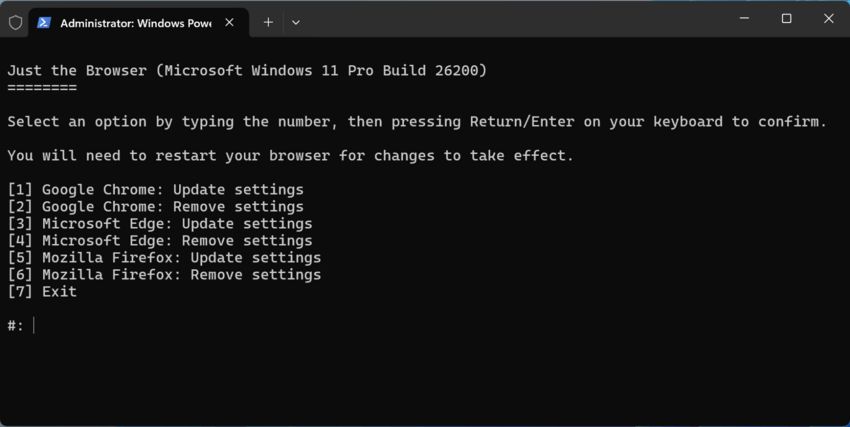
Features to become disabled
The script disables several built-in capabilities, including integration with generative AI models and AI services. Examples include Microsoft Edge’s Copilot functionality and Firefox’s AI-driven tab grouping suggestions. It also removes shopping-related tools, such as price tracking and coupon offers.
Additional Modifications
Users gain control over content visibility by eliminating sponsored recommendations in the address bar and third-party articles on new tab pages.
The toolkit suppresses default browser change prompts, first-run welcome screens, and data import suggestions. Furthermore, it halts telemetry collection and disables browser auto-launch settings that trigger startup after system boot.
The script is written in PowerShell, and is distributed under the MIT license, allowing broad usage and modification by the community. You can learn more details and download the script on its home page and here on GitHub.
Support us
Winaero greatly relies on your support. You can help the site keep bringing you interesting and useful content and software by using these options:

