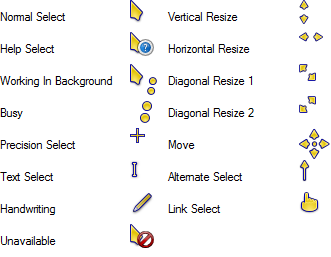
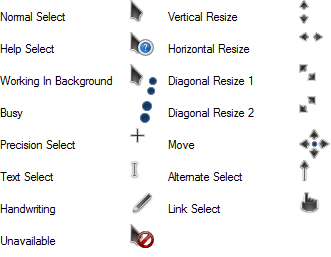
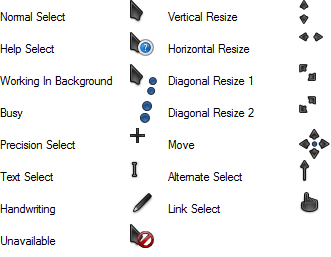
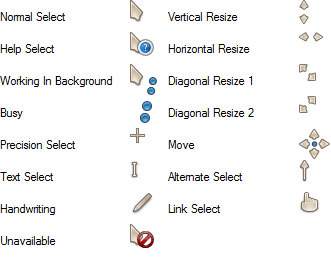
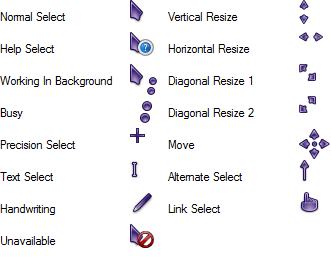
Oxygen Olympus Inverted.
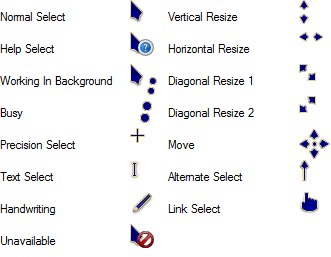
All credits go to the creator of these cursors, LAvalon.
At the edge of tweaking
Advertisement
The command prompt (cmd.exe) in Windows allows you to change the font and font size to make it more readable. The default font is small and that can be an issue for users of modern displays with high resolution. If you try to change the font in the command prompt window, you will notice that the scroll bar disappears! This is very annoying when you run some console app with several lines of output, and it gets displayed only partially. Here is how you can fix the issue and restore the scroll bar even for custom font settings.
The Start screen in Windows 8 is the one stop shop for touch screen users to access everything on their PC. It is your personalized home screen where you can pin the tiles you want for Modern apps, desktop programs, website shortcuts, settings and even your most needed files. You can also search from the Start screen to access local files on your hard drive or web resources. The Start screen provides several options to make it look more personal and unique so it can suit your needs. Today I would like to cover these Start screen personalization features.
The Windows Store is a new way to install software in Windows 8 and above. It lets you install and update Modern Apps by 1 click. By default, Windows Store is set to update apps automatically. It caches some details about installed and available apps to speed up the process of browsing them and improving the responsiveness of the Store app. However, sometimes the Store app fails to update apps or you may also be unable to install new apps. In such a case, you must reset the Windows Store cache.
In Windows 8 and Windows 8.1, the Start Screen is designed as the touchscreen-friendly Start menu replacement. It allows you to customize its layout as you want. You can pin and unpin your favorite apps and documents as tiles there, in the order you want. Once you have organized your Start screen layout according to your personal preferences, you might want to backup the layout for further use, e.g. to use it again after a re-install of Windows. Here's how you can back up the customized layout that you have.