Here is a new version of Winaero Tweaker that changes behavior of the "Advanced Appearance > Window Borders" option, improves the "Aero Lite" theme, and adds the ability to apply the accent color to the Windows 11 Taskbar in light mode (something that is not possible with the Settings app).
Advertisеment
Colorize taskbar
A new option available under the Windows 11 section in the Tweaker app, "Colorize taskbar".
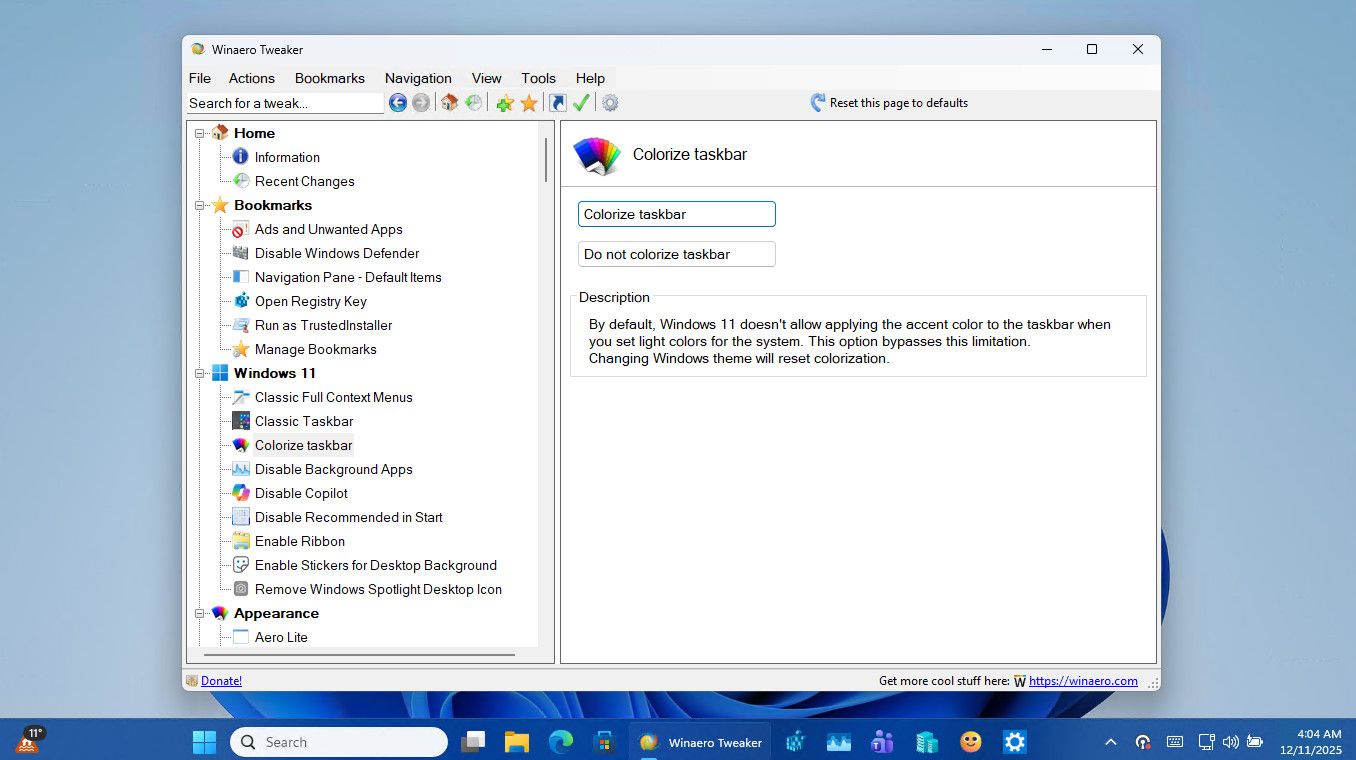
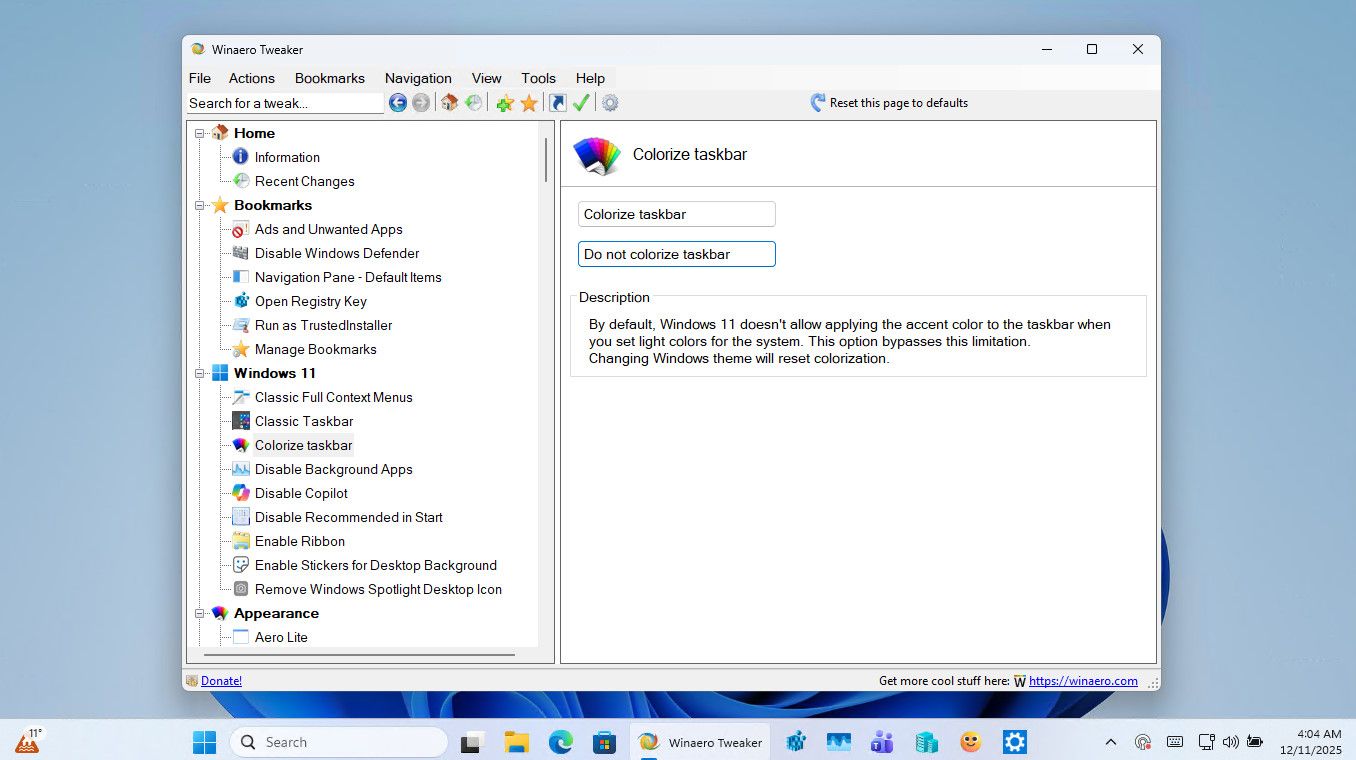
It allows you to apply the accent color to the taskbar in the light system mode. By default, this only works in the dark mode.
💡If you get some barely readable taskbar text, play with the accent color.
Window Borders New Behavior
The Advanced Appearance > Window Borders option no longer applies the border size "on the fly". It now requires you to sign out and sign it.
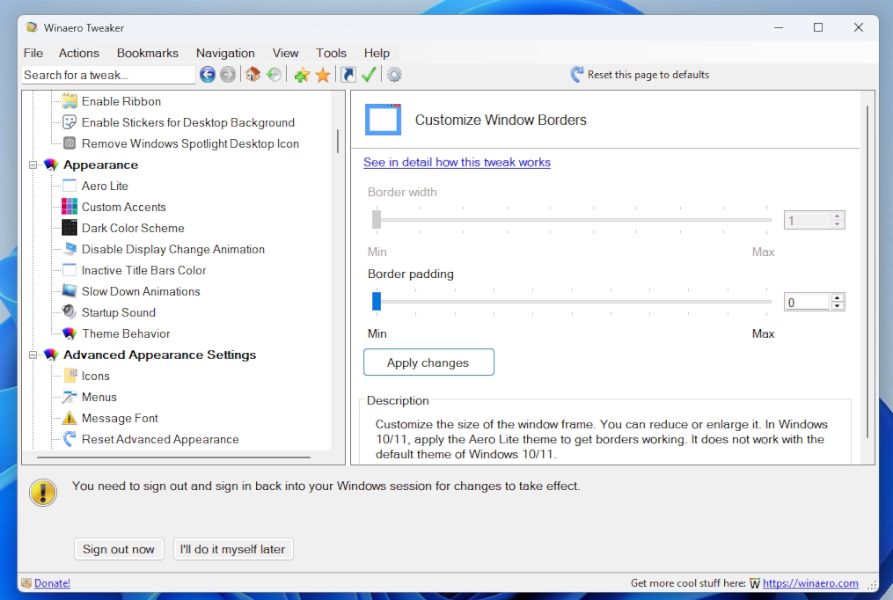
ℹ️ Reminder: In Windows 10, only Aero Lite and Aero Lite-based high contrast themes support borders. The default Aero theme doesn't show them. On Windows 11, you may need a custom theme that supports the borders, depending on the OS version you have installed.
The background story: Last night a user reached me on Telegram and demonstrated some weird behavior. When adjusting window border size, Windows fonts have changed to smaller size. After some research, I found out that it is a deprecated API call that caused this change. The user had a DPI value of 150% which the legacy API didn't take into account.
I have removed that API call. However, now, to change the border size you need to sign out and sign in back to your Windows account. This inconvenience is a minor issue compared with the earlier unexpected behavior.
Aero Lite
I have refined the code of the Appearance > Aero Lite option. Previously, in some cases, switching to the default theme using the "Reset" action would cause the Windows 11 taskbar to retain its accent color used by Aero Lite. I have also removed the stunning Command Buttons and replaced then with regular buttons. Windows 11 ruined the appearance of the former, there is no reason to use them anymore.
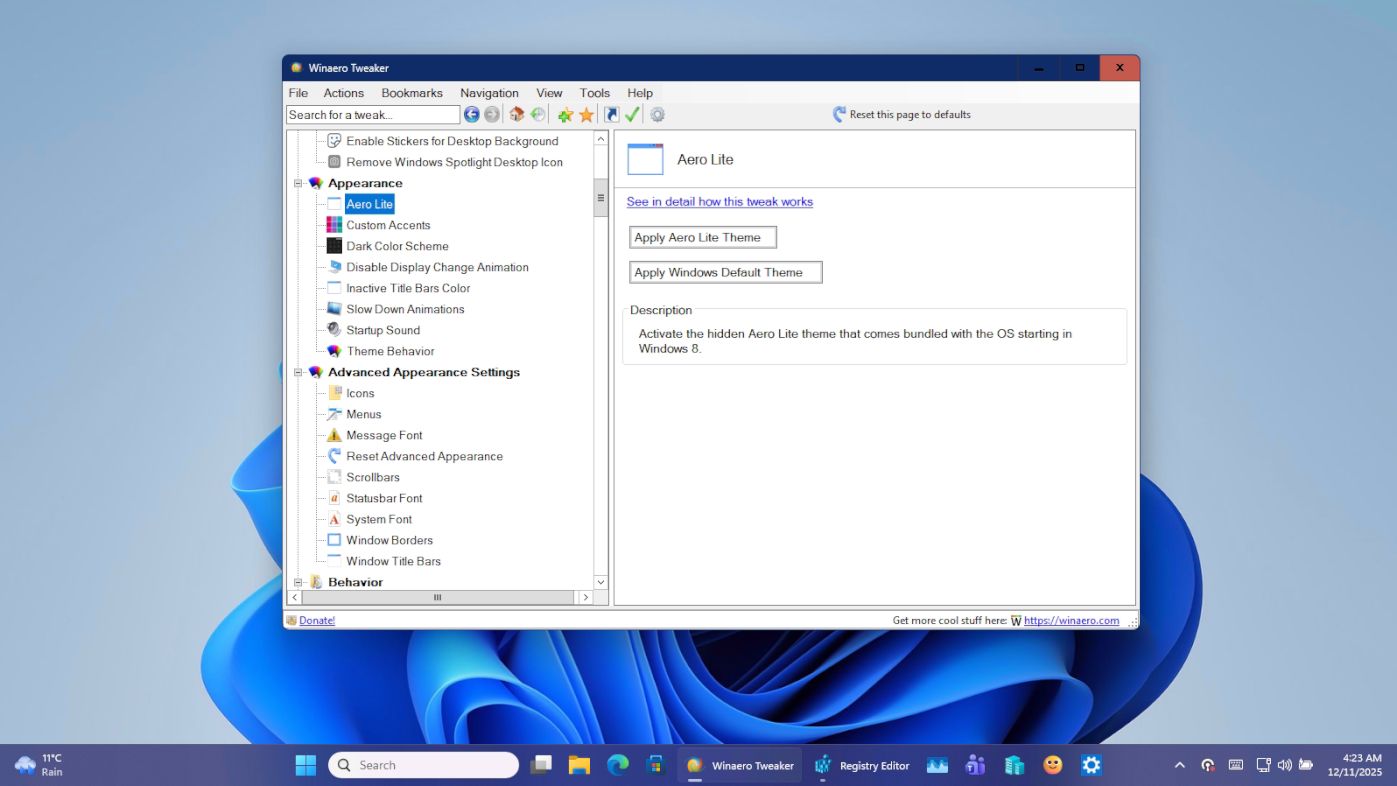
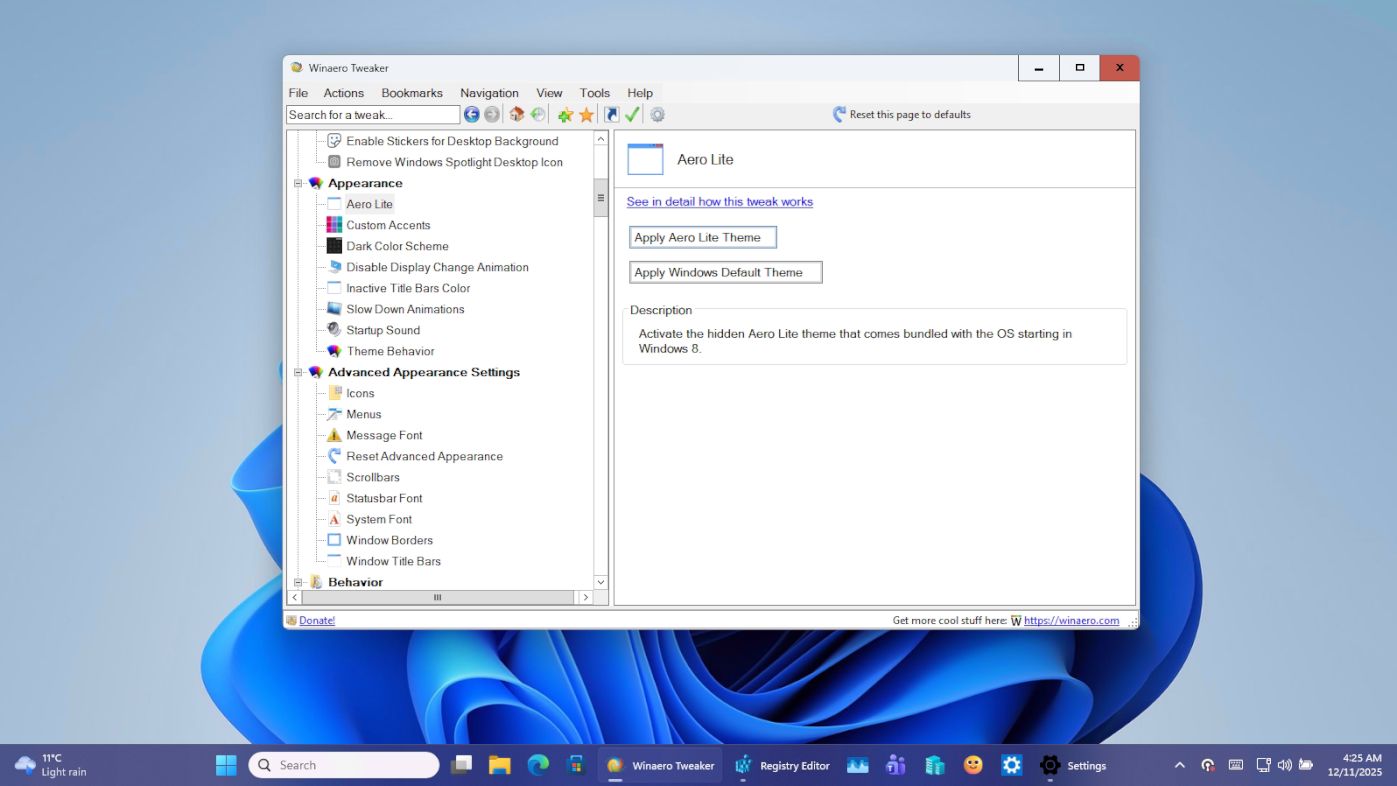
This isn't the default behavior in Windows 11, so I've added a few workarounds. The discovered bits now power the new "Colorize taskbar" option.
Download Winaero Tweaker 1.64.2
You can download Winaero Tweaker using the following links.
- Download Winaero Tweaker from Winaero
- Download Winaero Tweaker from the official mirror.
- Download Winaero Tweaker from the Telegram channel
Other resources
Release History | The list of Winaero Tweaker features | Winaero Tweaker FAQ
Support us
Winaero greatly relies on your support. You can help the site keep bringing you interesting and useful content and software by using these options:


Hi Sergey
Have always loved your App and used it for a long time. I would be more than happy to make a donation but just the get the “This organization cannot accept donations … ” from PayPal.
It is great that you have given the opportunity to increase the font size which is very useful. But I notice that the size of the Title Bar does not change too – which then looks small (and a bit odd) when you increase the font size in the body of the App.
Thanks again.
Hi.
Thanks for the feedback.
The titlebar font size is defined by Windows, not by my app.
Thanks Sergey.
I hope you have a good winter holiday period.
Hang in there friend.
Thank you very much.