If you have multiple displays or an external projector, you might be familiar with the built-in feature of Windows 7 and Windows 8 to change the active display and the sharing mode of your current desktop. When you press Win+P, you can choose to extend your desktop, duplicate it, or turn off one of the displays entirely. It is possible to control this feature via the command line, so you can create a shortcut any of these 4 settings. Let's see how it can be done.
Author: Sergey Tkachenko
Download Cursor Commander
Cursor Commander.
Freeware to apply and share mouse cursors with one click.
Cursor Commander
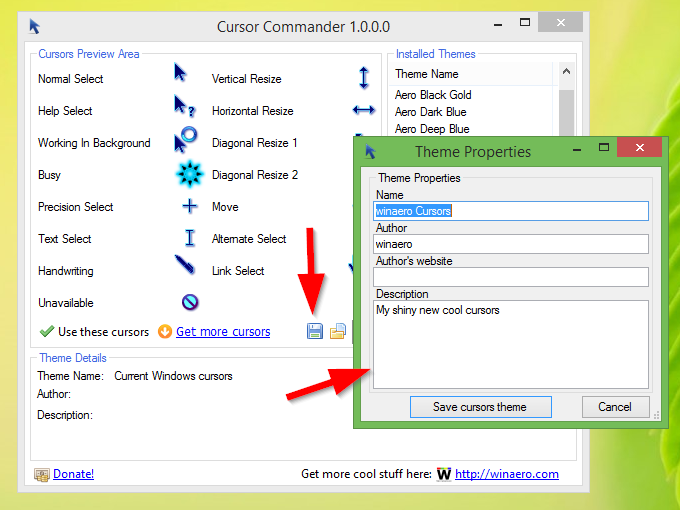
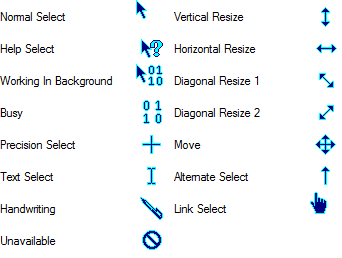
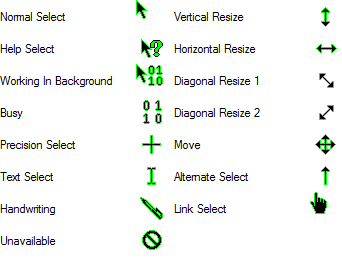
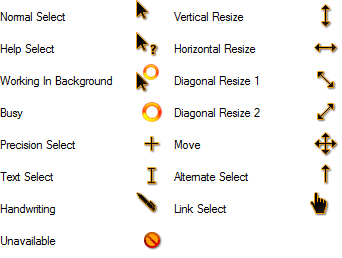
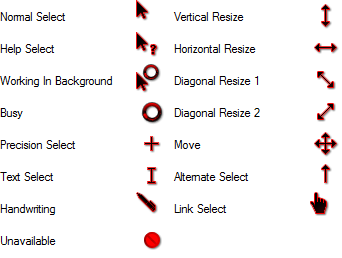
Cursor Commander is a freeware application created for simple applying and sharing of cursors. Using this app, you will be able to change all Windows cursors with one click. The application is a useful alternative to Mouse settings in the Control Panel: it allows you to see all cursors at once without scrolling and change ALL OF them with a SINGLE click. You are able to save your customized cursors to a cursors theme.
You will be able to share your cursors with other users as they can be exported to a single *.cursorpack file with one click.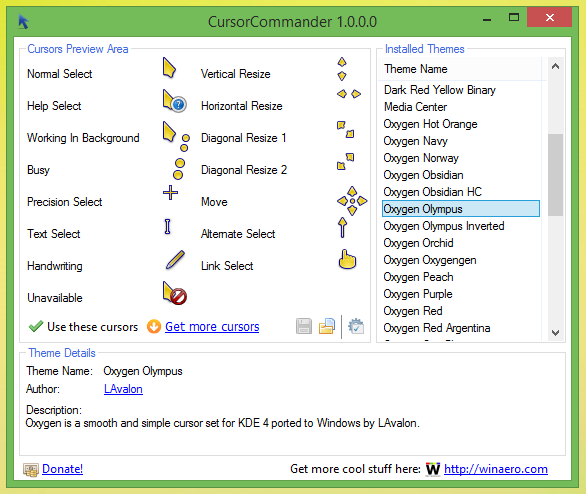
How to use Cursor Commander
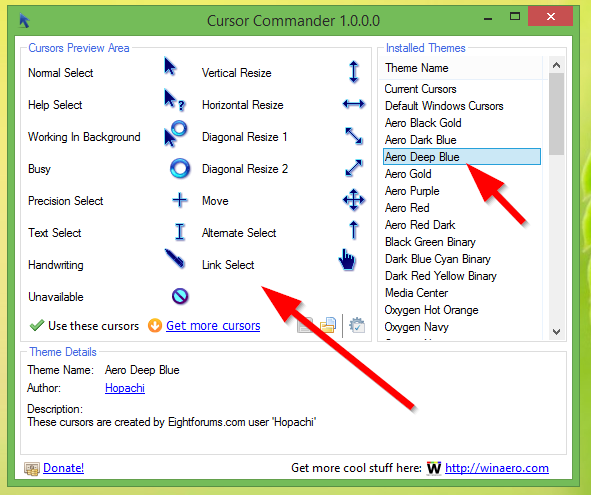
- In the right pane of the application window, you will see the list of installed cursor themes supported by Cursor Commander. Select a theme there to see its cursors.
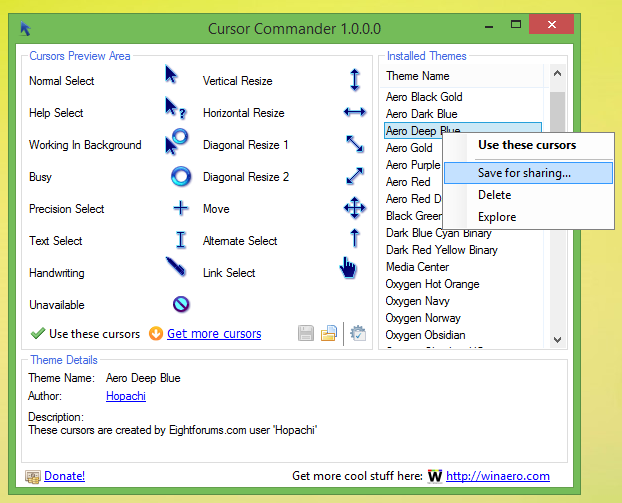
- Right click the theme to show the context menu. Using that context menu, you will be able to save those cursors for sharing, open them in File Explorer or delete them.
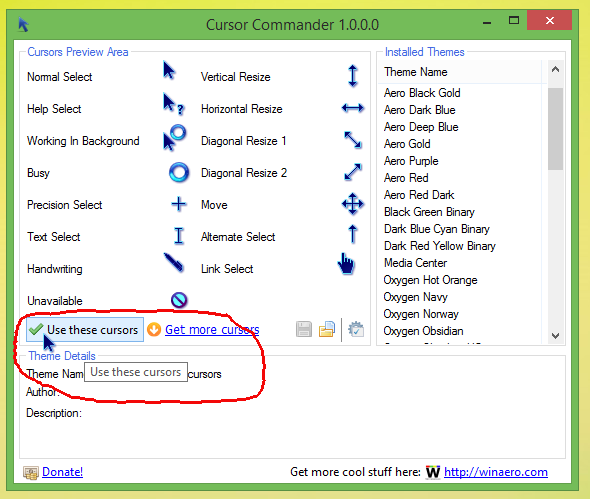
- In the left pane, you will see cursors which are included in the selected cursors theme. Click "Use these cursors" to apply them.
- Click the specific cursor icon to change it, e.g. replace it with some cursor from an external file on your hdd or even from another installed cursor theme.
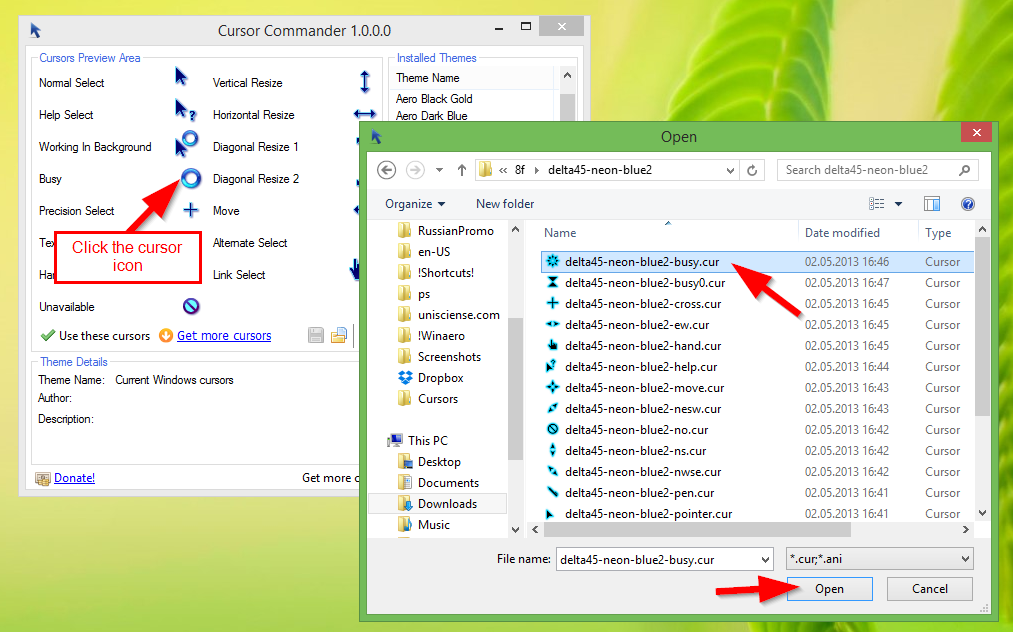
After you make changes, click the blue diskette icon to save your changes as a theme.